

Your band, your cues.
Always in sync.
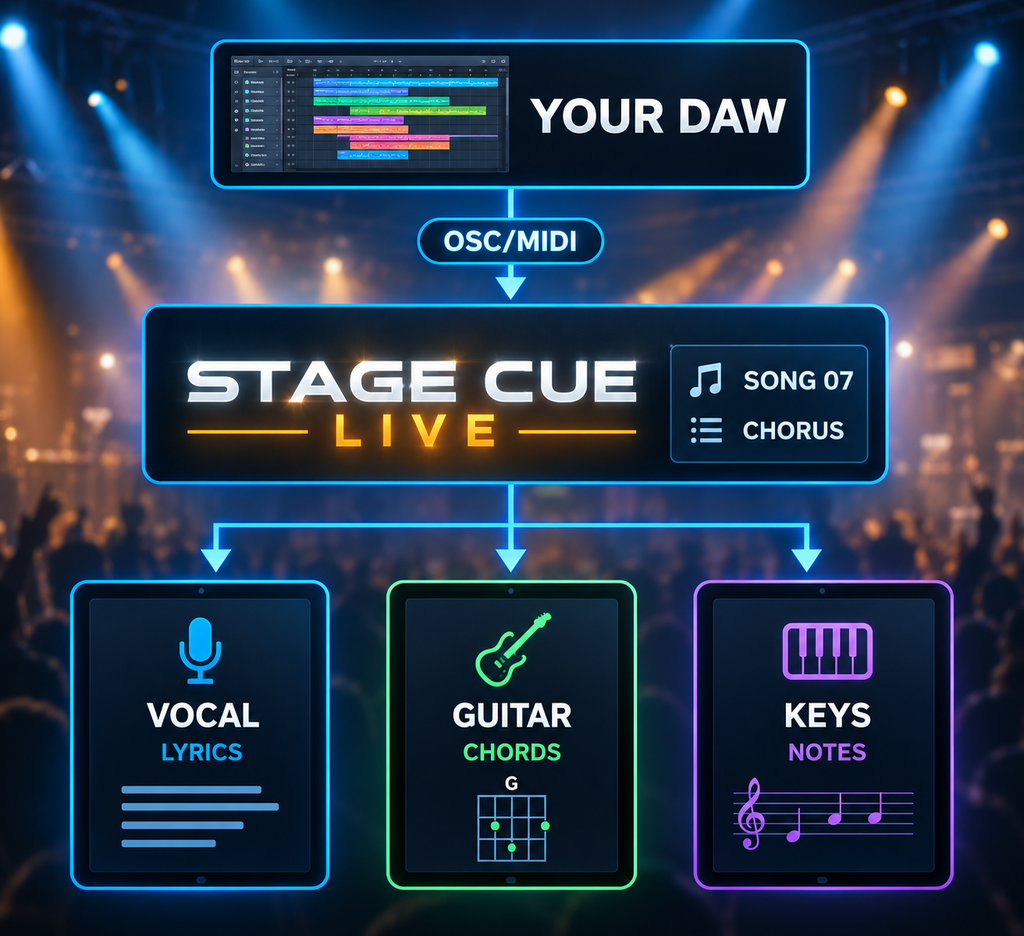
Stage Cue Live pushes the right lyrics, chords and cues to every musician’s tablet the instant a song starts — driven straight from Ableton Live, over your own WiFi, with nothing routed through the internet.
Works with Ableton Live (OSC) · MIDI CC & Notes · pad controllers · Windows & Mac · iPad & Android
Highlighted Features
Built for live!
Build your own setlists for various live shows, set up document visualisation per song and per musician, monitor in Dashboard view while playing.

Fully Customizable
Add musicians, parts, songs and playlists in minutes. Everything auto-saves as you build.

No internet required, on stage or off
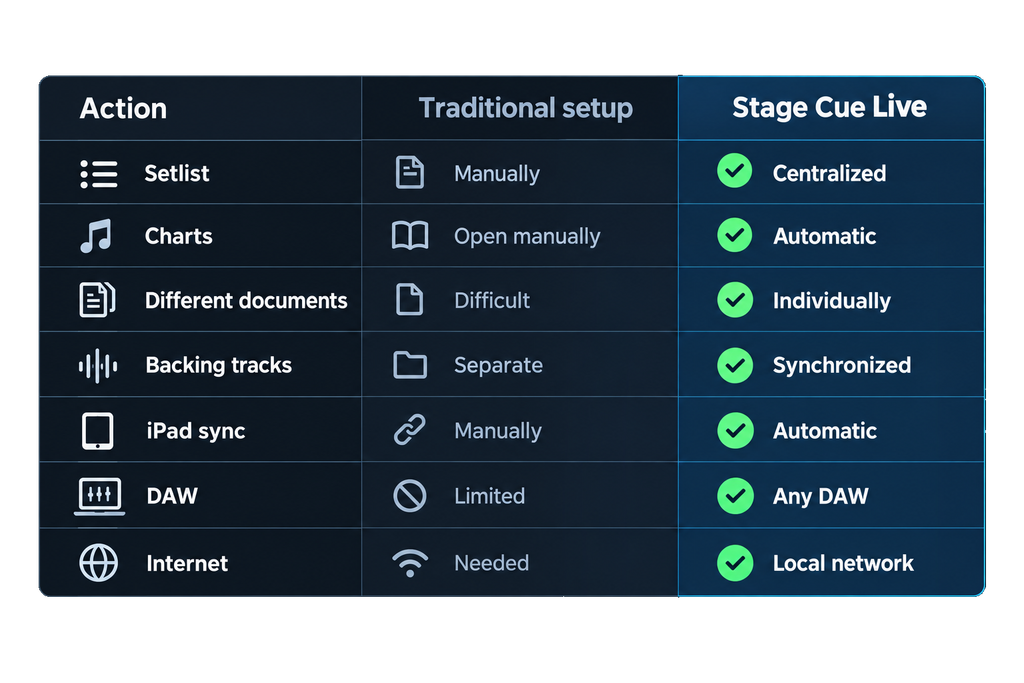
Runs entirely on your own local WiFi. No venue internet, no cell signal, no cloud dependency — nothing to fail when it matters most.

One trigger, every musician in sync
The moment a song starts, every tablet updates together — no one scrolling to catch up.
Built for bands using backing tracks
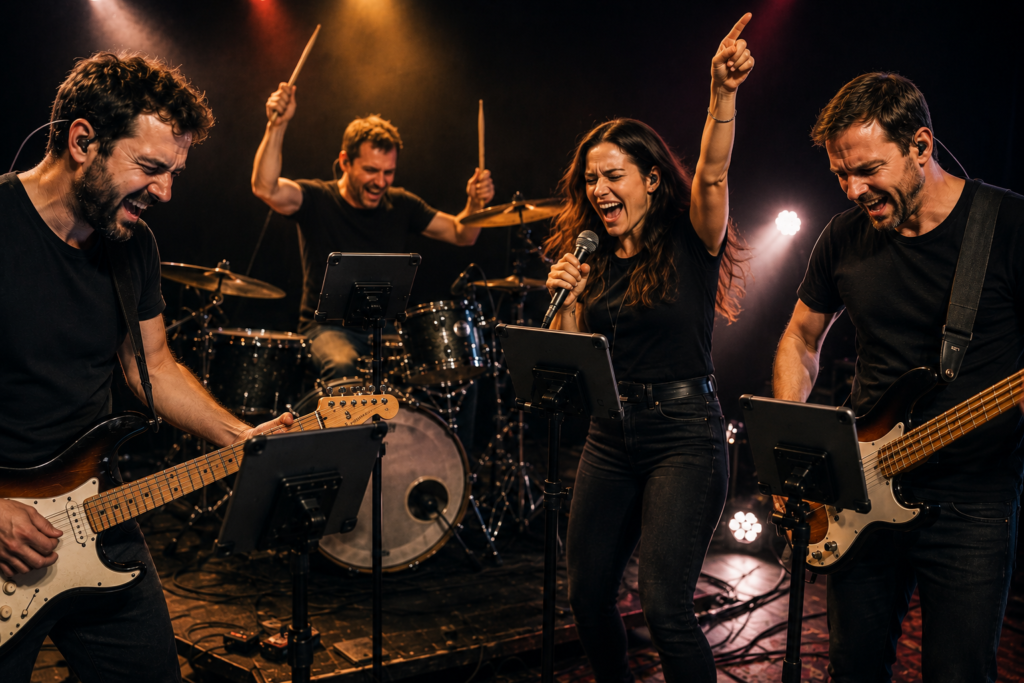
The vocalist sees lyrics, the guitarist sees chords, the keyboard player sees notes, the bassist sees charts — all cued automatically against the same backing track.
Drive it from your gear, not a laptop
Trigger cues straight from Ableton Live, or from the pads on a MIDI controller — no one needs to sit at the computer during the show.
Built for bands using backing tracks.
• You’re playing a tribute show.
• Your vocalist needs lyrics.
• Your guitarist needs chords.
• Your keyboard player needs patch notes.
• Your bassist needs a simplified chart.
• The backing track reaches the chorus.
Trigger Methods
Two ways to trigger cues
Straight from Ableton Live. Point a locator or scene at a song and Stage Cue Live triggers it the instant Ableton plays it — no virtual MIDI cables, nothing extra to configure in your set.
MIDI CC, Program Change or Note. Prefer to trigger it your own way? Map any MIDI CC, Program Change or Note message — including the pads on a controller like a Novation Launchpad — to a song, or straight to Play / Stop / Next / Previous.
Runs on Windows and Mac.
Windows / Apple compatible
How it works
Set up once and hit the stage!

Build your show
– Add your musicians, songs and parts
– and arrange the setlist by drag-and-drop
– BPM-aware
– and it all auto-saves.

Assign each part’s document.
Attach the lyrics, chords or notes each musician should see for every song and part.

Play! — from anywhere
Hit Play on the Dashboard, from Ableton itself, or from a pad on your controller. Every tablet updates in that same instant.
FAQ/reliability
No. Stage Cue Live runs entirely on your own local WiFi — your laptop is the server, and every tablet connects directly to it. No venue WiFi, no cell signal and no cloud outage can take it down.
It reconnects on its own and catches straight up to whatever’s live — no rejoining, no missed cue, nothing for the musician to do.
A Windows or Mac laptop to run the server, and any tablet or laptop with a browser for each musician — iPad and Android both work.
We help bands
We built Stage Cue Live because keeping multiple musicians, tablets and backing tracks synchronized during a live show shouldn’t be this difficult.
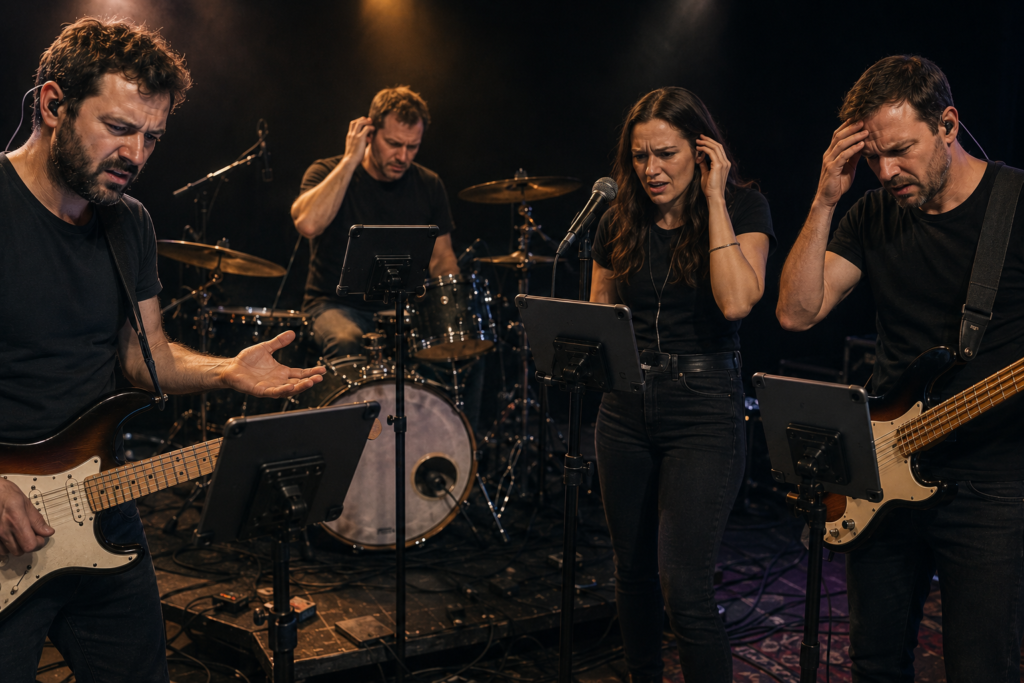
As a musician in a tribute band using backing tracks. I ran into the challenge getting all band members their desired documents on their tablet during live shows. The vocalists want the lyrics, the guitar player wants chords only and the keyboard player wants a document with specific notes about sounds and settings…
As a software developer I started developing a system that keeps everyone in sync and gives the freedom to make a setup that suits any situation. I understand the challenges when playing live and to meet everyone’s wishes.
For musicians, by musicians ❤
Are you ready to let
Stage Cue Live support YOUR show?
TRY IT NOW:
40 TRIGGERS INCLUDED, NO CARD REQUIRED
Hit the button below and (pre-)order your version of Stage Cue Live. Only available by download in the Downloads section. Full version history available.